
Size Noise and Pattern Rules
Size Noise and Pattern Rule are two ways to vary opening size without drawing a spatial Point or Line field. Noise produces repeatable randomized values. Pattern Rule repeats a defined token sequence.
Use Size Noise
- Create a regular base Layout so the size variation is easy to see.
- Enable Gradient and select Size.
- In Variation, select Noise.
- Turn Noise on and set the minimum and maximum size factors.
- Keep the Seed fixed when the same result must be reproduced.
- Use Randomize only when a new distribution is wanted.
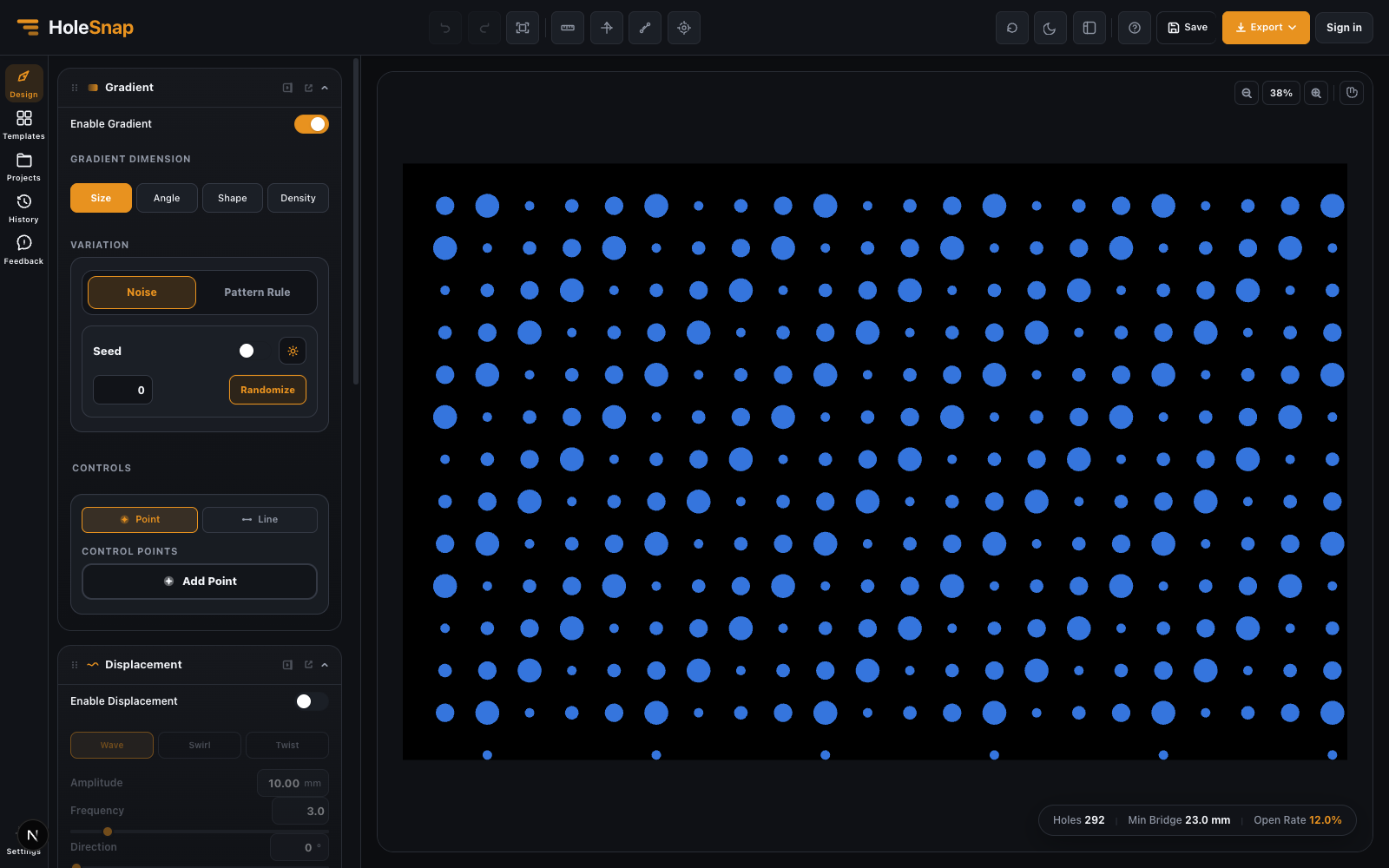
The screenshot shows Noise with Seed 0, producing different circle sizes while the Grid positions remain aligned.
Use a Pattern Rule
- Select Pattern Rule in the Size Variation area.
- Enter a rule using the available tokens, such as
12. - Set the size value associated with each token.
- Choose whether the rule advances by row or column.
- Adjust Offset or Phase Step when the repetition should shift between rows or columns.
Pattern Rule is preferable when the size sequence needs to be explainable and repeatable without relying on randomness.
Choose Between Them
- Use Noise for organic but reproducible variation.
- Use Pattern Rule for a deliberate repeating sequence.
- Use a Point or Line Size gradient when the change should follow position instead of a sequence.
Before Export
Check the largest generated openings, not only the average size. Recheck Min Bridge and edge trimming. A fixed Seed or explicit rule should be recorded when another person needs to recreate the same design.
Troubleshooting
- Noise changes after reopening: Confirm the same Seed and base pattern are used.
- The rule looks shifted: Check Direction, Offset, and Phase Step.
- Openings overlap: Reduce the maximum size factor or increase Layout spacing.
- No variation is visible: Confirm Size is active and the selected Variation method is enabled.
Related Guides
- Create a Size Gradient Pattern
- Gradient and Variation Overview
- Perturbation and Displacement Effects