
Blog
HoleSnap is a vector pattern generator for design and fabrication workflows. Create, adjust, and preview patterns in the browser, control shape, spacing, density, angle, open area, and layout, then export SVG, DXF, or STP files for prototyping, laser cutting, CNC, panel fabrication, and product development.
Support
HoleSnap Support
Blog
Latest Guides
Featured Guides
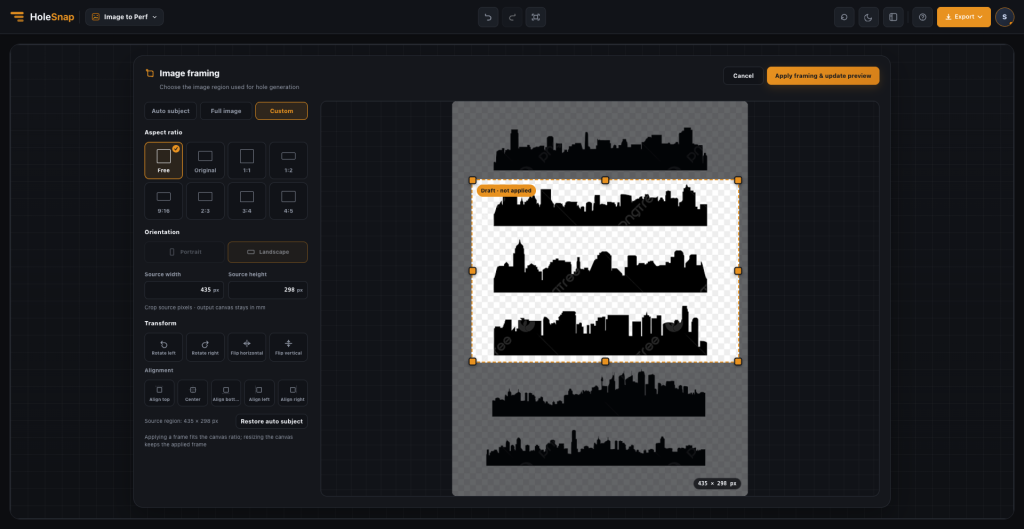
Image to Perforation: Online Crop and Adjust Tool | HoleSnap
Crop, adjust, and turn images into custom perforation patterns online with HoleSnap Image to Perforation—no separate image editor required.
Read More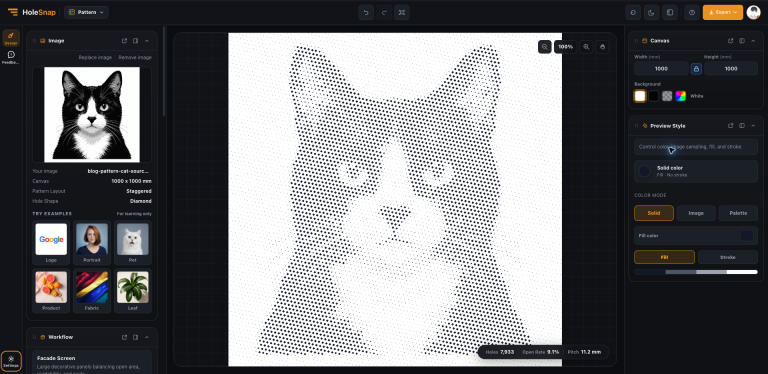
Pattern Generator for Perforated Panel Design | HoleSnap
Use HoleSnap Pattern to create a repeatable perforated screen from a simple image. Compare layout, hole shape, pitch,…
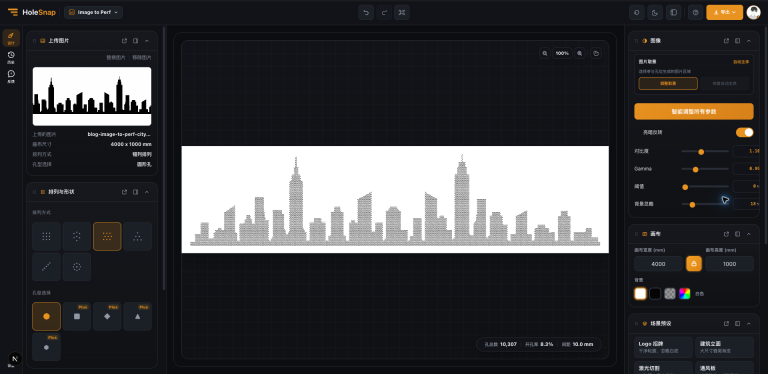
Image to Perf for Perforated Facade Design | HoleSnap
Turn a city silhouette into a perforated facade concept with HoleSnap Image to Perf. Compare pitch, hole size,…
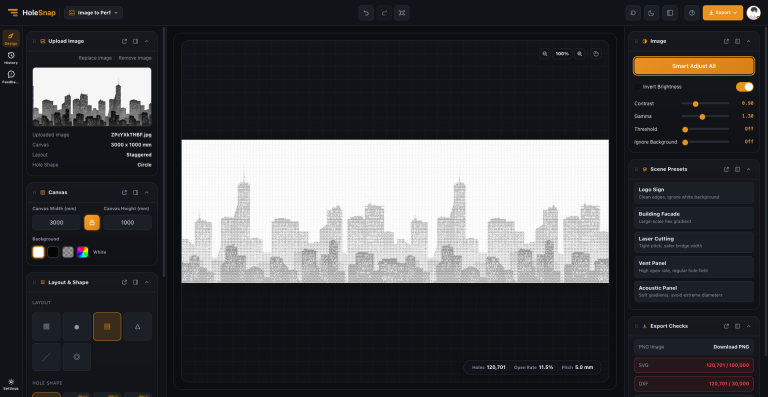
How to Turn a City Silhouette into a Perforated Panel: Canvas and Export Checks
Use a city silhouette to understand large canvases, Building Facade and Staggered layouts, hole-count control, and SVG/DXF export…
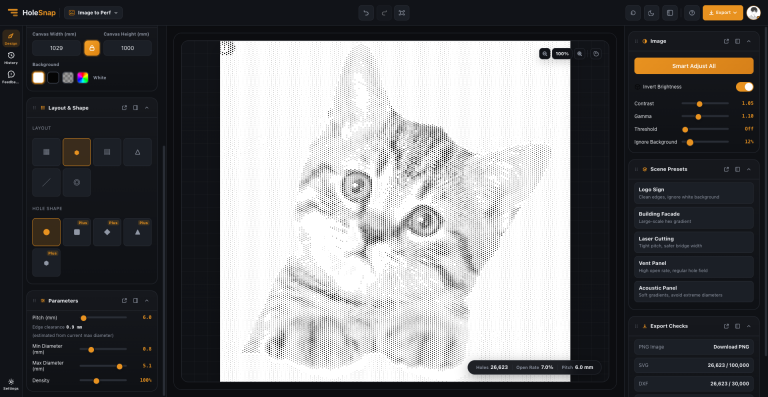
How to Turn a Cat Photo into a Perforated Pattern: Image to Perforation Settings Guide
Use a cat photo to understand canvas size, image controls, pitch, hole diameter, density, layouts, and export checks…
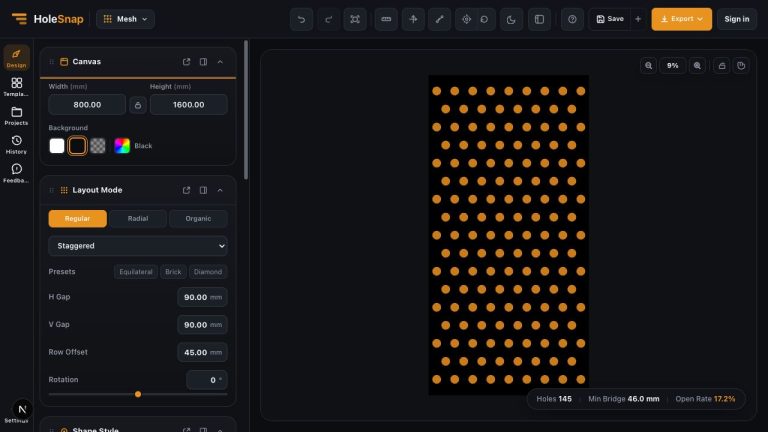
Perforated Aluminum Facade Panels: Design a Custom Pattern Online
Create custom perforated aluminum facade panel concepts online. Set the panel size, hole shape, spacing, density, open rate,…