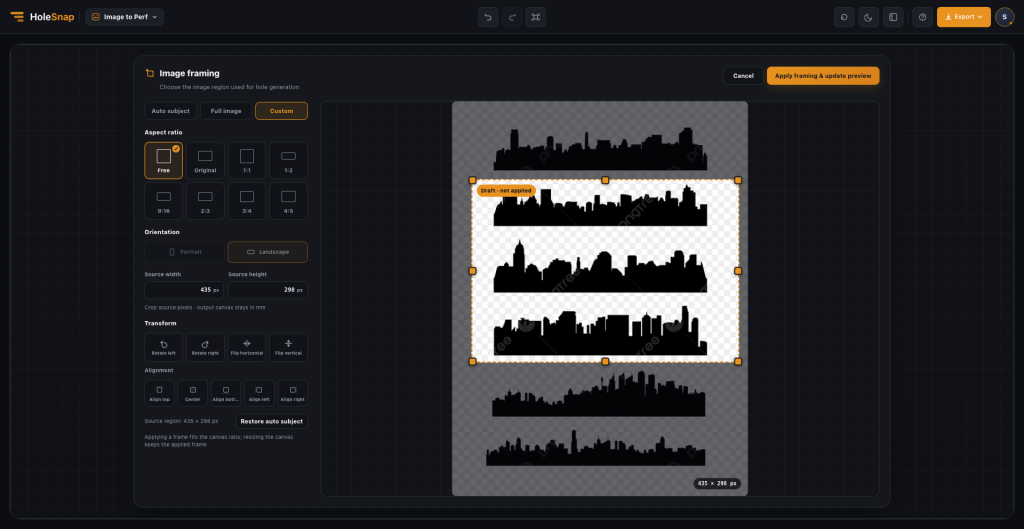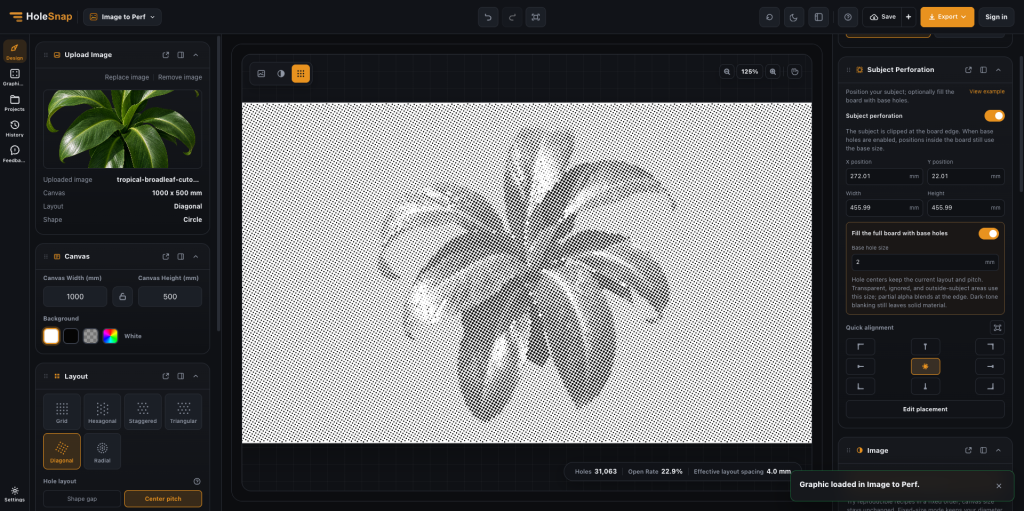
Image to Perf: Place a Subject and Fill the Panel with Base Holes
Position and scale artwork on a physical panel, then use base holes to fill transparent or ignored areas on the same perforation grid.
Read MoreBlog
HoleSnap is a vector pattern generator for design and fabrication workflows. Create, adjust, and preview patterns in the browser, control shape, spacing, density, angle, open area, and layout, then export SVG, DXF, or STP files for prototyping, laser cutting, CNC, panel fabrication, and product development.
Position and scale artwork on a physical panel, then use base holes to fill transparent or ignored areas on the same perforation grid.
Read More
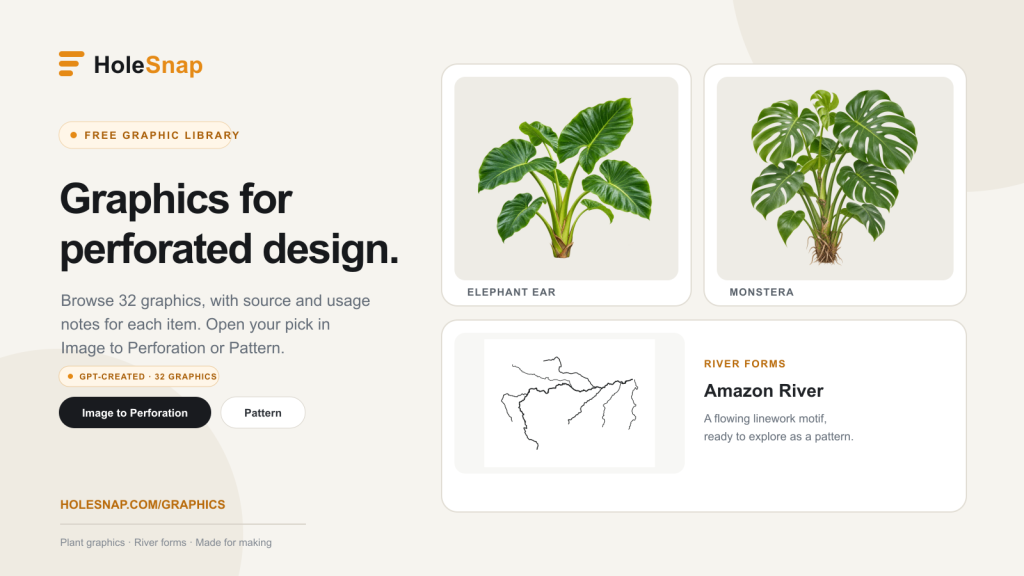
Explore 32 GPT-created graphics for perforated design, review source and usage notes, and open a selection in Image to Perforation or Pattern.
Read More
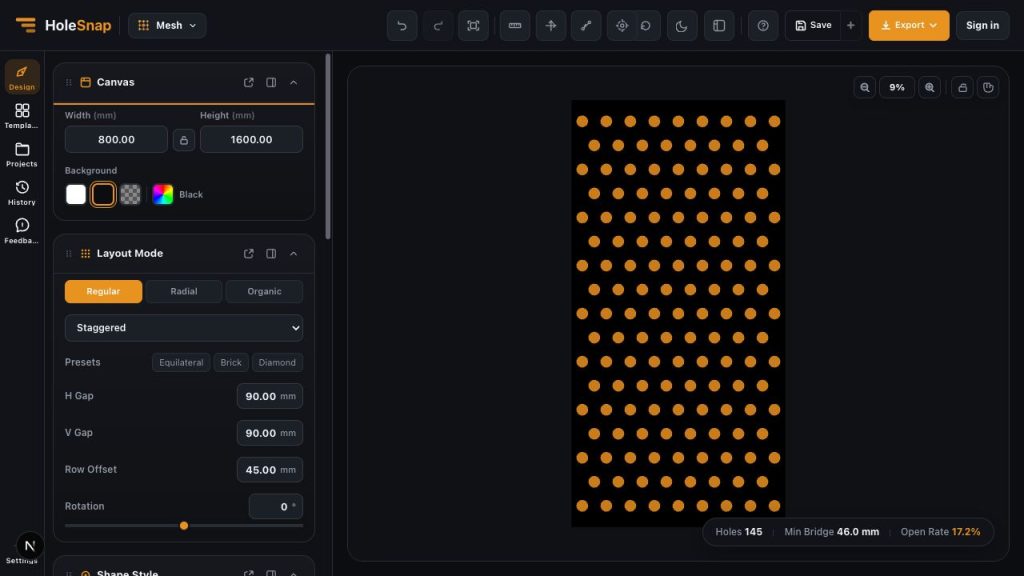
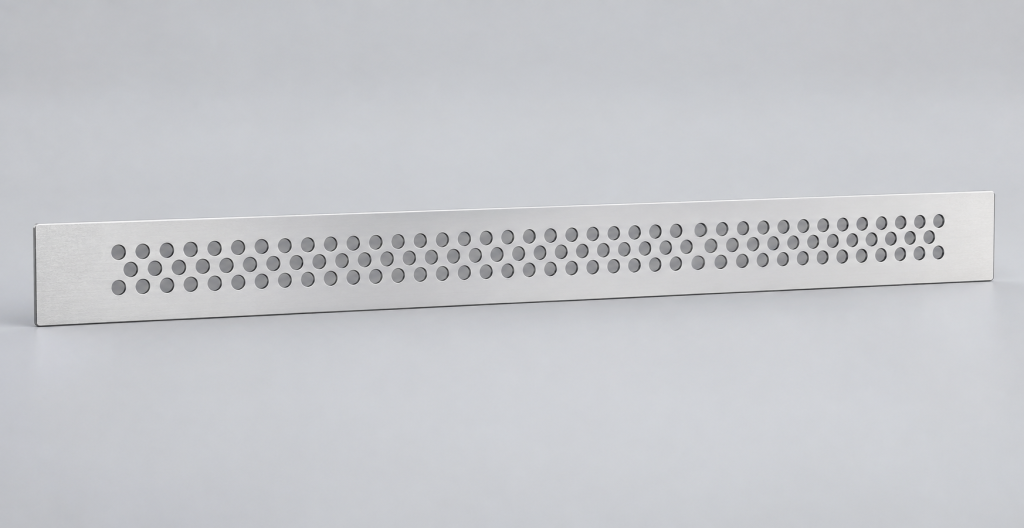
See how HoleSnap Mesh lays out a custom 1U rack vent panel, applies edge margins, checks 113 circular holes, and exports a millimeter DXF…
Read More
Turn tropical leaf artwork into a laser-cut facade panel concept. See a real HoleSnap layout, hole settings, open area, and a practical fabrication-quote checklist.
Read More
Crop, adjust, and turn images into custom perforation patterns online with HoleSnap Image to Perforation—no separate image editor required.
Read More
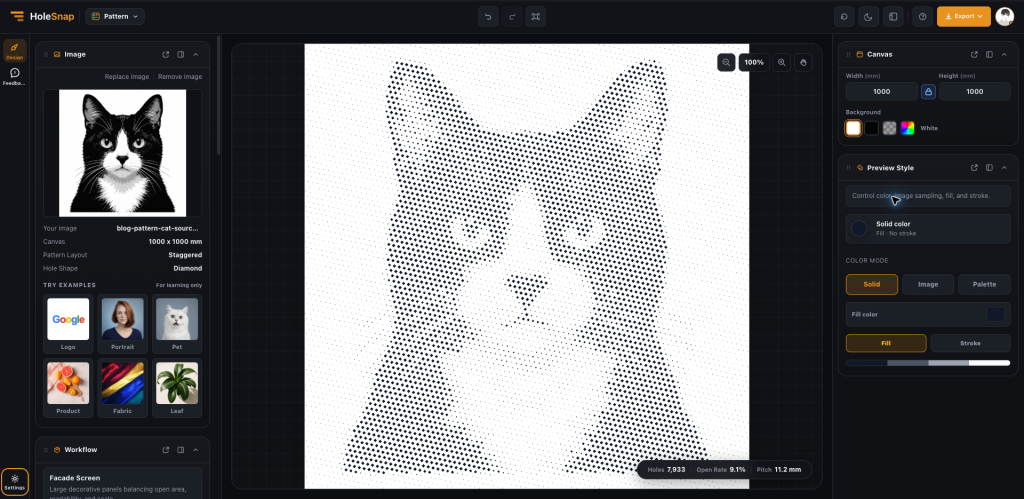
Use HoleSnap Pattern to create a repeatable perforated screen from a simple image. Compare layout, hole shape, pitch, density, and open rate.
Read More
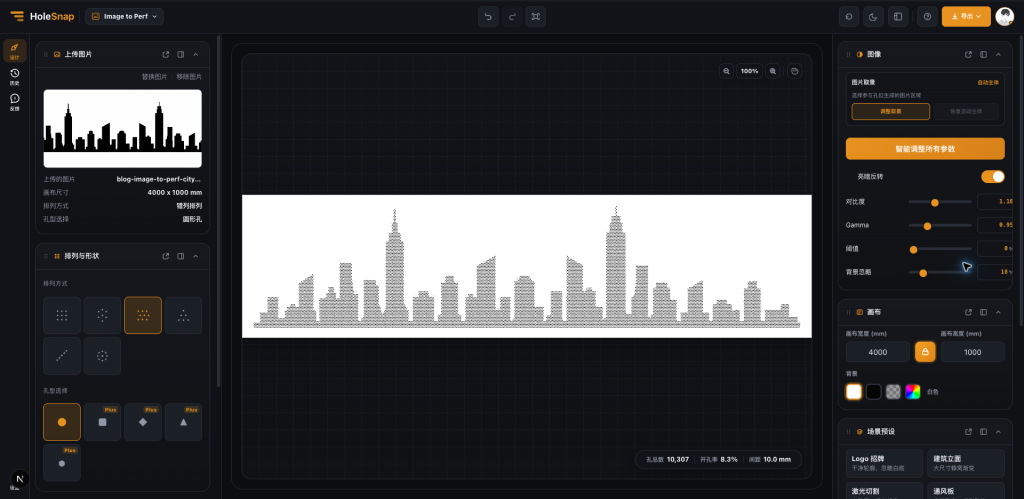
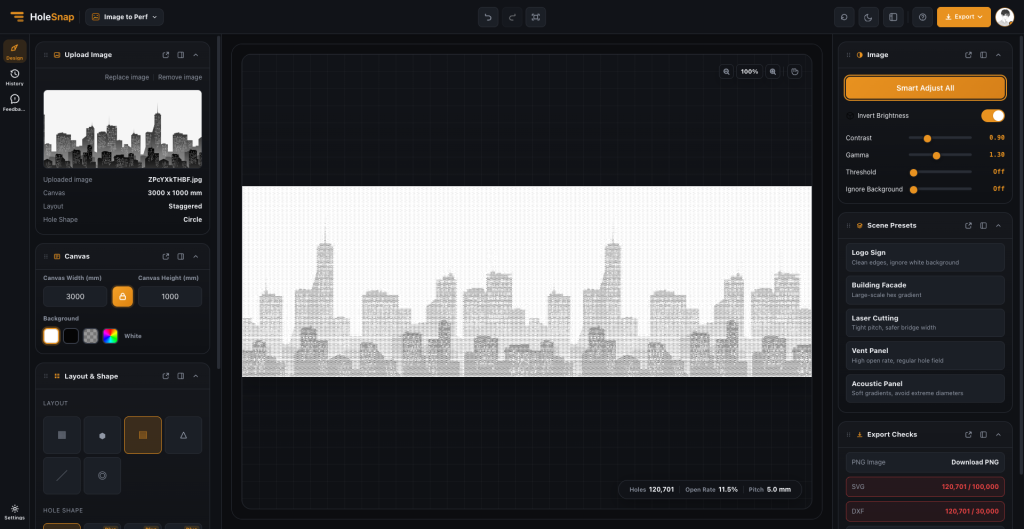
Turn a city silhouette into a perforated facade concept with HoleSnap Image to Perf. Compare pitch, hole size, layout, open rate, and DXF export…
Read More
Use a city silhouette to understand large canvases, Building Facade and Staggered layouts, hole-count control, and SVG/DXF export limits in HoleSnap.
Read More
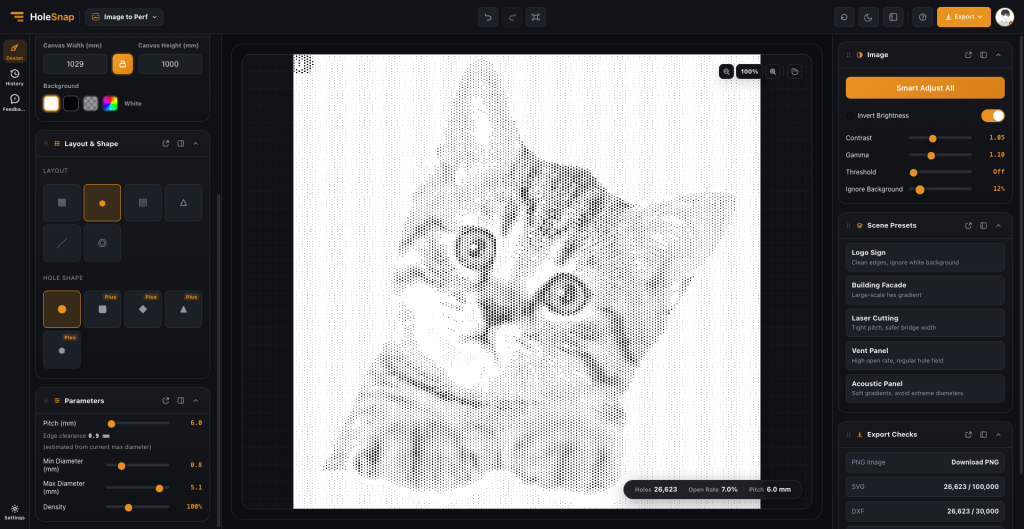
Use a cat photo to understand canvas size, image controls, pitch, hole diameter, density, layouts, and export checks in HoleSnap Image to Perforation.
Read More
Create custom perforated aluminum facade panel concepts online. Set the panel size, hole shape, spacing, density, open rate, and edge treatment, then export SVG,…
Read More
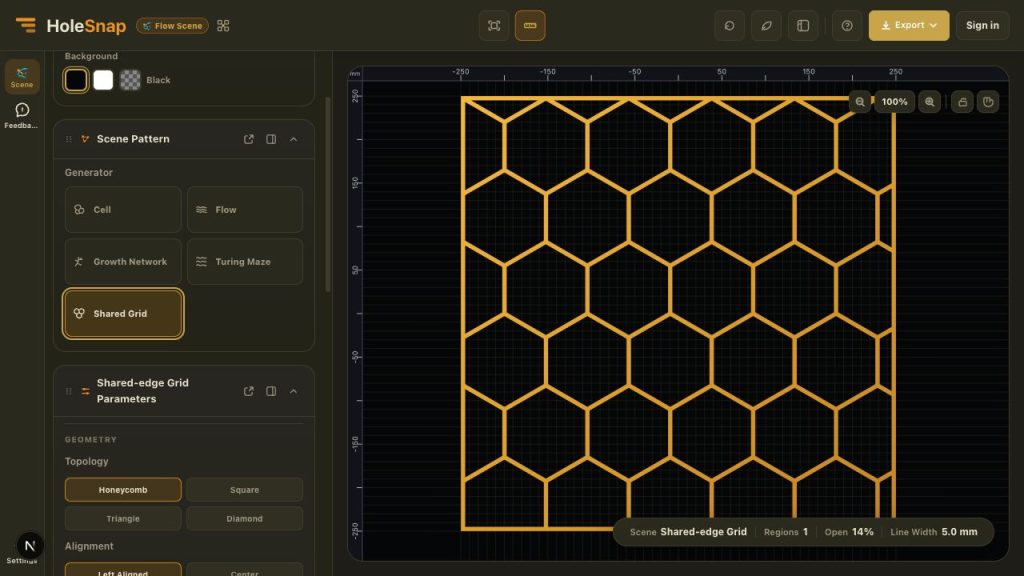
Build continuous honeycomb, square, triangle, and diamond networks with the new Shared-edge Grid generator in HoleSnap Flow Scene, then export SVG or DXF.
Read More
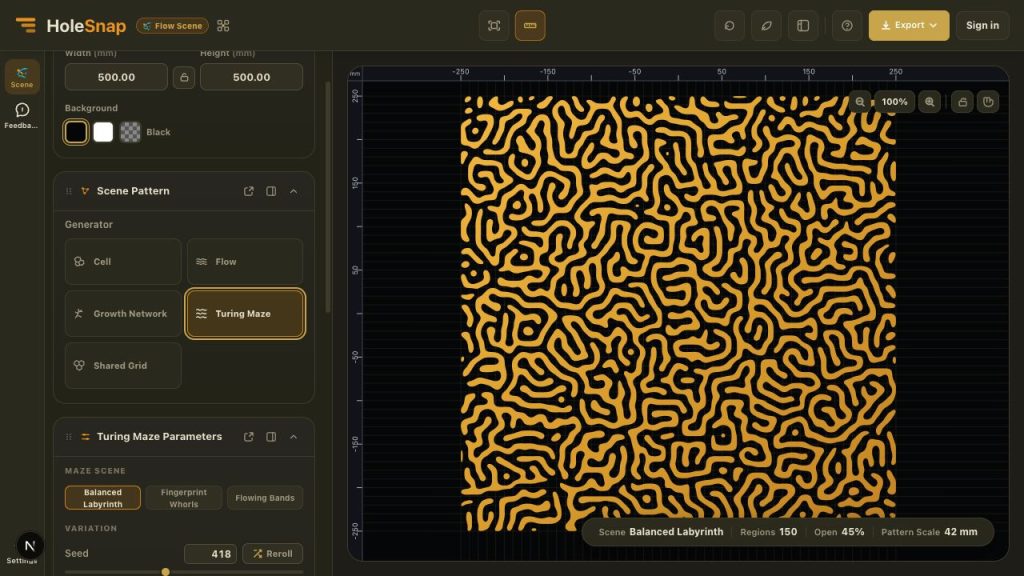
Create continuous labyrinth, fingerprint, and flowing-band vector patterns with the new Turing Maze generator in HoleSnap Flow Scene, then export SVG or DXF.
Read More