
HoleSnap Graphic Library: 32 GPT-Created Graphics
Explore 32 GPT-created graphics for perforated design, review source and usage notes, and open a selection in Image to Perforation or Pattern.
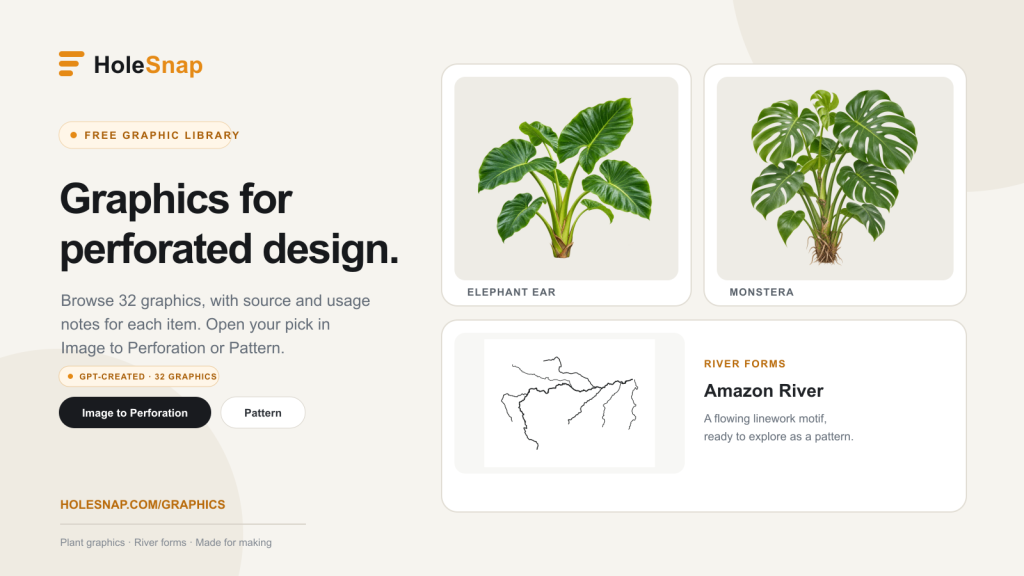
A visual starting point for perforated design
Finding a useful source image is often the first step in an image-led perforated design. HoleSnap’s new free Graphic Library brings 32 GPT-created graphics together, with examples ranging from tropical plants to river-inspired linework.
Each entry has a preview, a short description, and source and usage details. Open an item page to check its format, dimensions, and the notes that apply to that specific graphic before you use it.
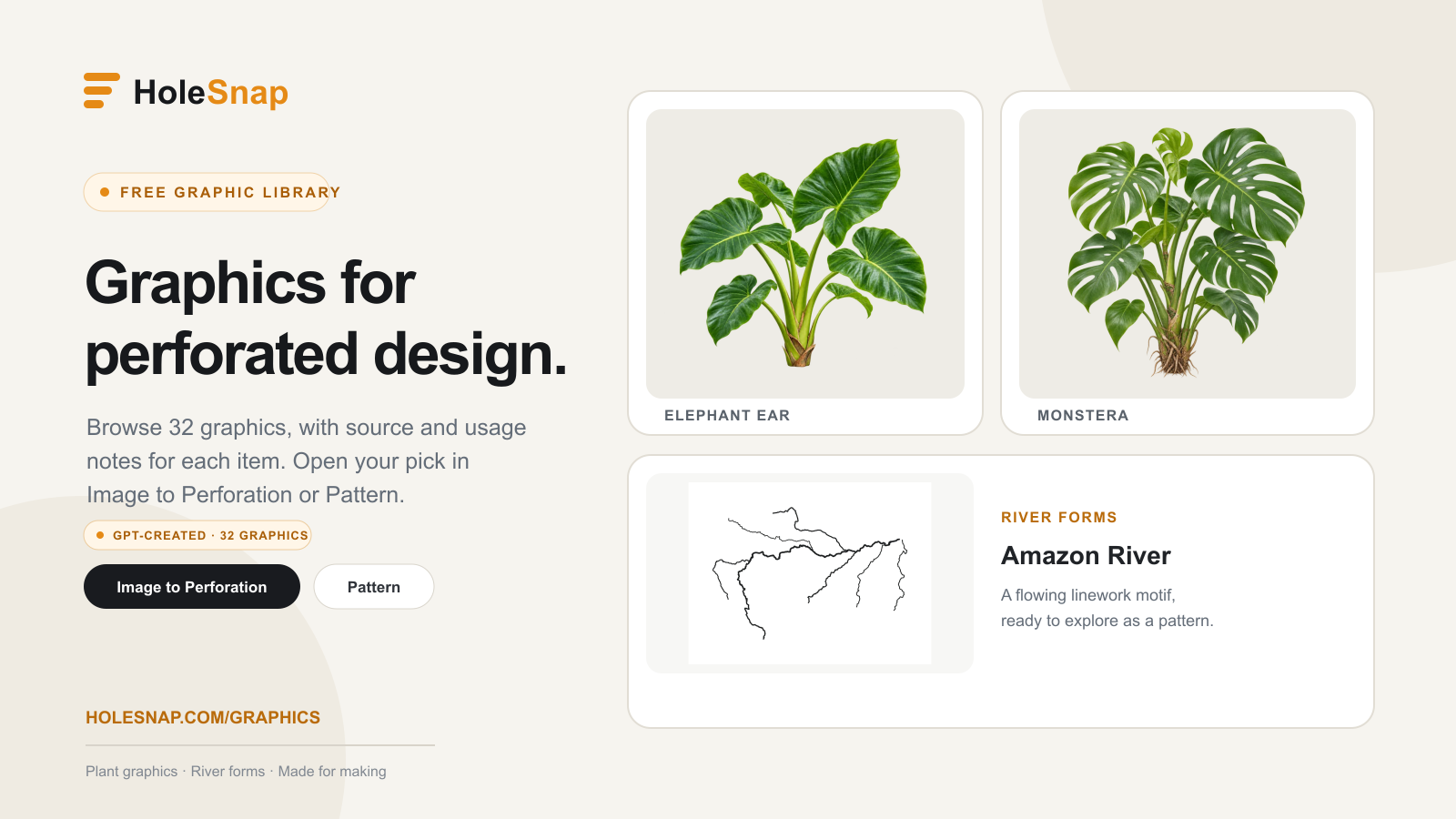
The 16:9 launch image features elephant ear, Monstera, and Amazon River linework from the library.
Check an item, then choose a workflow
The Elephant Ear Plant entry, for example, identifies the artwork as AI-generated and shows the PNG dimensions. Its detail page offers two ways to continue: use the graphic in Image to Perforation or open it in Pattern.
Choose Image to Perforation when you want to use an image as the source for a perforation pattern. The selected graphic opens in the workbench, where you can adjust the canvas, framing, layout, hole shape, and image mapping. The preview and metrics update with the current settings.
Choose Pattern when that is the design workspace you want to continue in. Both options are available from the graphic’s detail page, so you can pick the tool that fits the next step in your process.
Treat the preview as a design step
A live preview helps compare how the source artwork reads after it has been mapped to perforation geometry. Hole count, open area, and spacing describe the current design settings; they are not a manufacturing or performance certification. Review the geometry and the available export checks, then verify the resulting file in the CAD/CAM workflow and against the requirements for the actual material and process.
Usage and AI disclosure
The library allows graphics to be used and modified in personal or commercial designs and finished products. The original source artwork must not be resold or redistributed as a standalone asset.
AI-generated portions may not receive copyright protection in every jurisdiction, and HoleSnap does not claim exclusive rights to those portions. Any third-party rights remain with their owners. Read the source and usage notes on each item page, since they are specific to that graphic.
Browse the Graphic Library
Explore the free HoleSnap Graphic Library, open an item to review its details, and continue in Image to Perforation or Pattern.