
SVG to DXF Converter Online for Clean Cut Files
using an online SVG to DXF converter for clean cut files is part of a practical vector pattern workflow: define the panel or source artwork, control the geometry that affects fabrication, preview the result in the browser, then export a clean file for the next
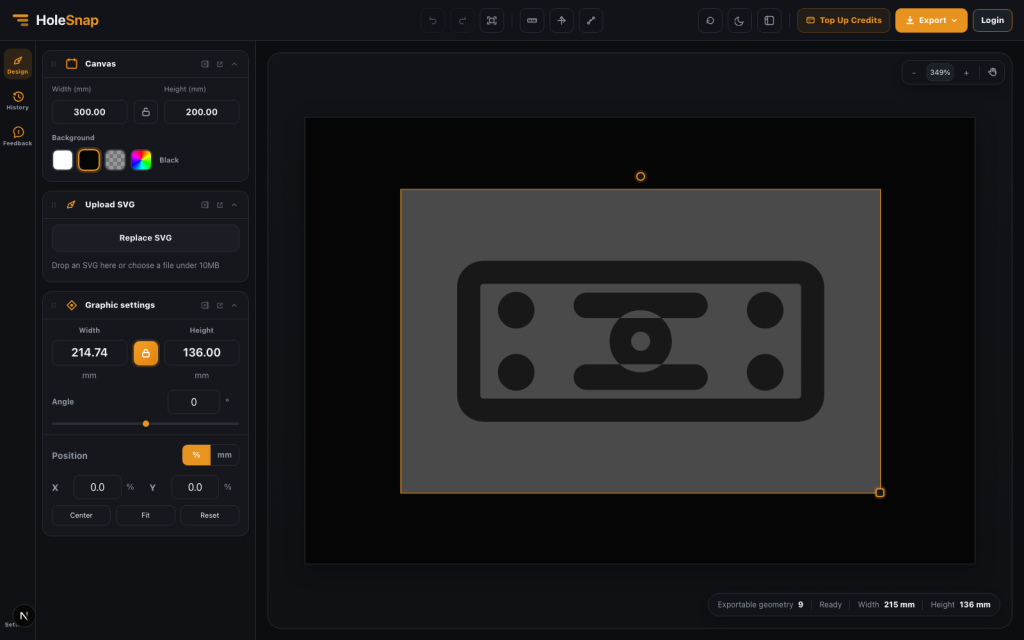
using an online SVG to DXF converter for clean cut files is part of a practical vector pattern workflow: define the panel or source artwork, control the geometry that affects fabrication, preview the result in the browser, then export a clean file for the next CAD, CAM, laser cutting, CNC, or product-development step.
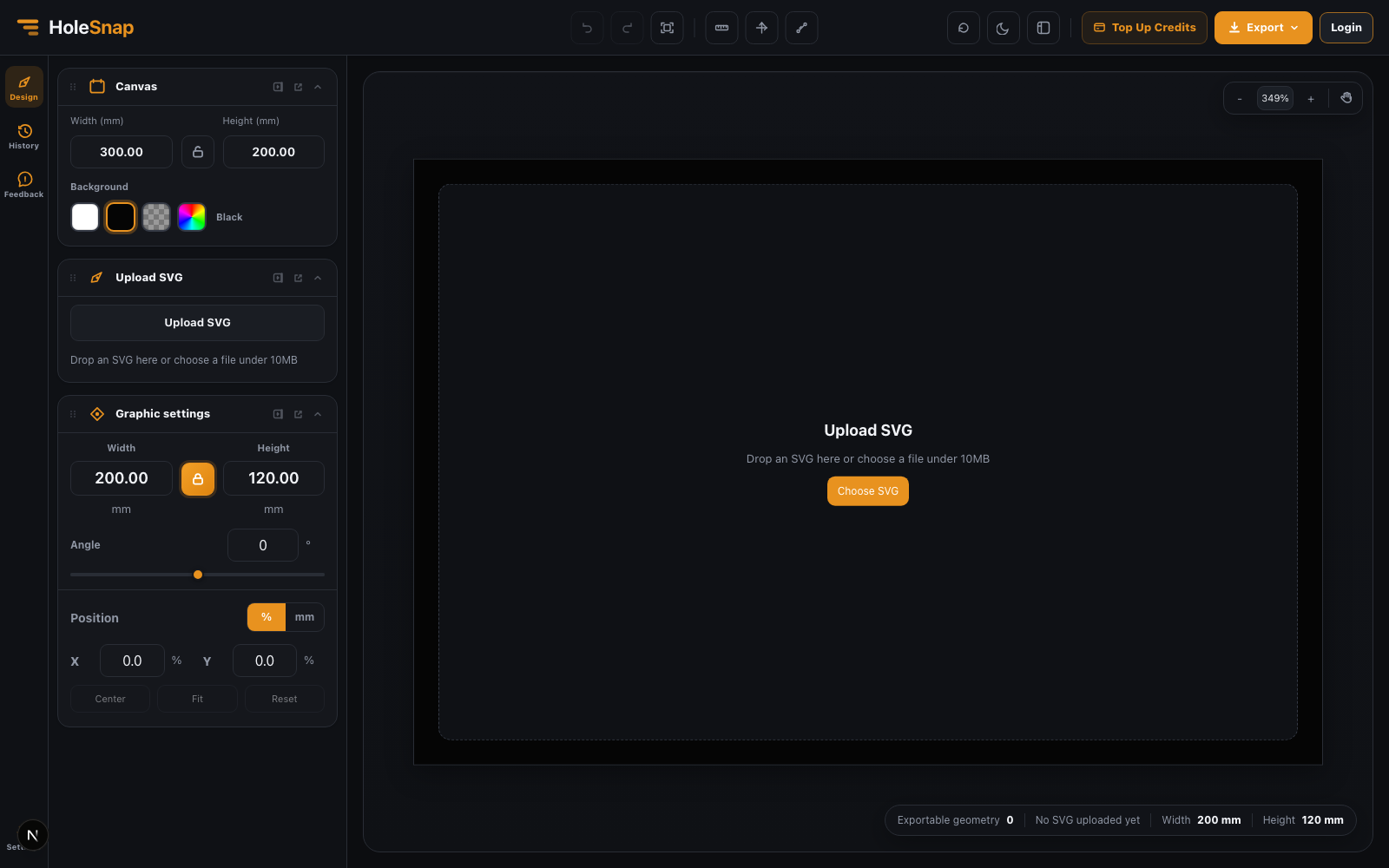
Why this topic matters
using an online SVG to DXF converter for clean cut files is not only a visual pattern choice. It affects open area, bridge width, airflow, material strength, visual density, file cleanliness, and the amount of downstream cleanup required in CAD or CAM software.
A practical workflow
Start with a realistic canvas size in millimeters. Choose the pattern or import the source vector/image, then adjust hole shape, spacing, density, angle, boundary, and open area until the preview matches the intended part. Keep the design simple enough for manufacturing while preserving the visual intent.
- Panel size in real units
- Shape, pitch, density, angle, and layout
- Open area and bridge width
- Clean SVG, DXF, or STP export
Design checks before export
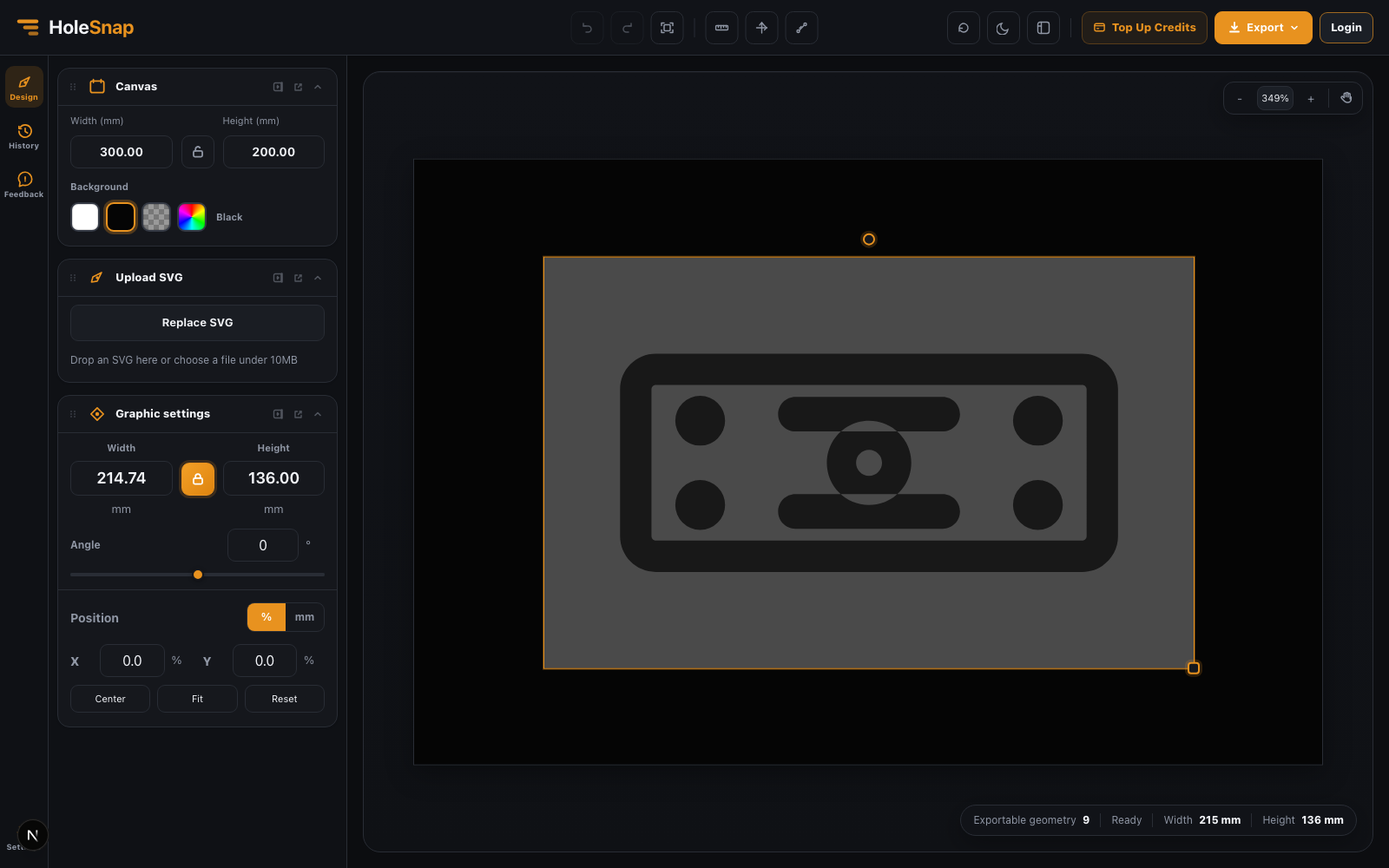
Before exporting, inspect scale, units, closed outlines, duplicate lines, minimum bridge width, edge distance, hole count, and whether the pattern is too dense for the chosen material and process.
Export and review
Use SVG when you need a lightweight vector file for design review, DXF when the file will go to laser cutting, CNC, sheet metal, or CAD/CAM, and STP when the pattern needs to move into a 3D CAD workflow.
Where this helps
This workflow helps makers, industrial designers, product teams, fabrication shops, enclosure designers, lighting designers, signage teams, and anyone preparing repeatable vector patterns for physical parts.
Open HoleSnap and test the same parameters with your own size, material, and fabrication constraints: HoleSnap Editor.